
Screenshots
App details
- Version
- 3.9137.0
- Size
- 2.98 MB
- Updated
- June 17, 2024
- Requires
- Windows 11
- Language
- English
- License
- Free
- Developer
- Google Operating System Blog
- Category
- Windows OS
SoftPas in:
This product is also available in the following languages:
About Google Auto Backup Installer
Download Google Auto Backup Installer – Secure Photo Backup Tool
Overview
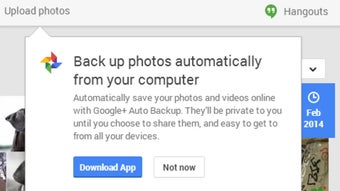
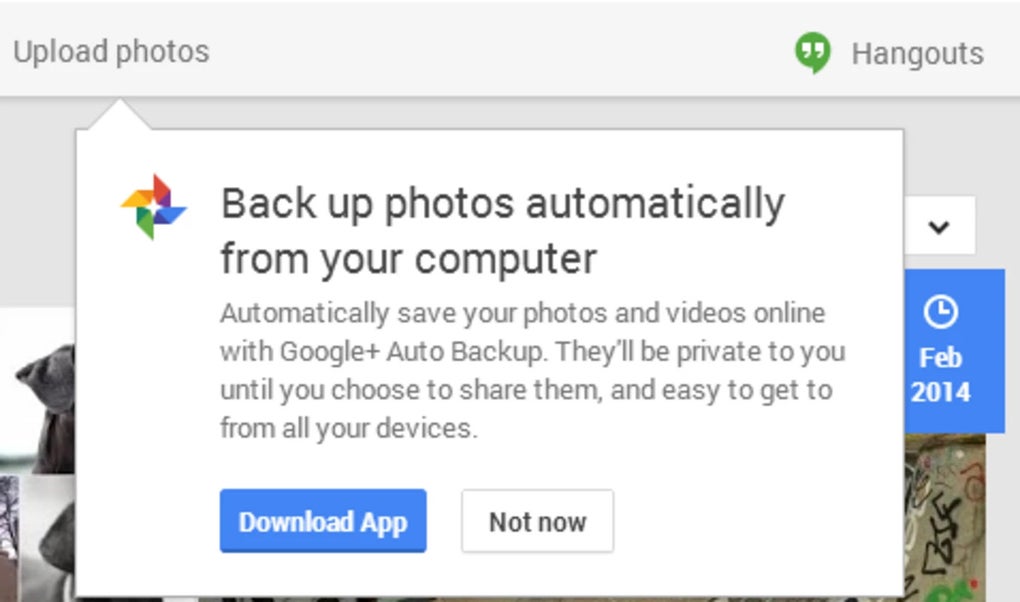
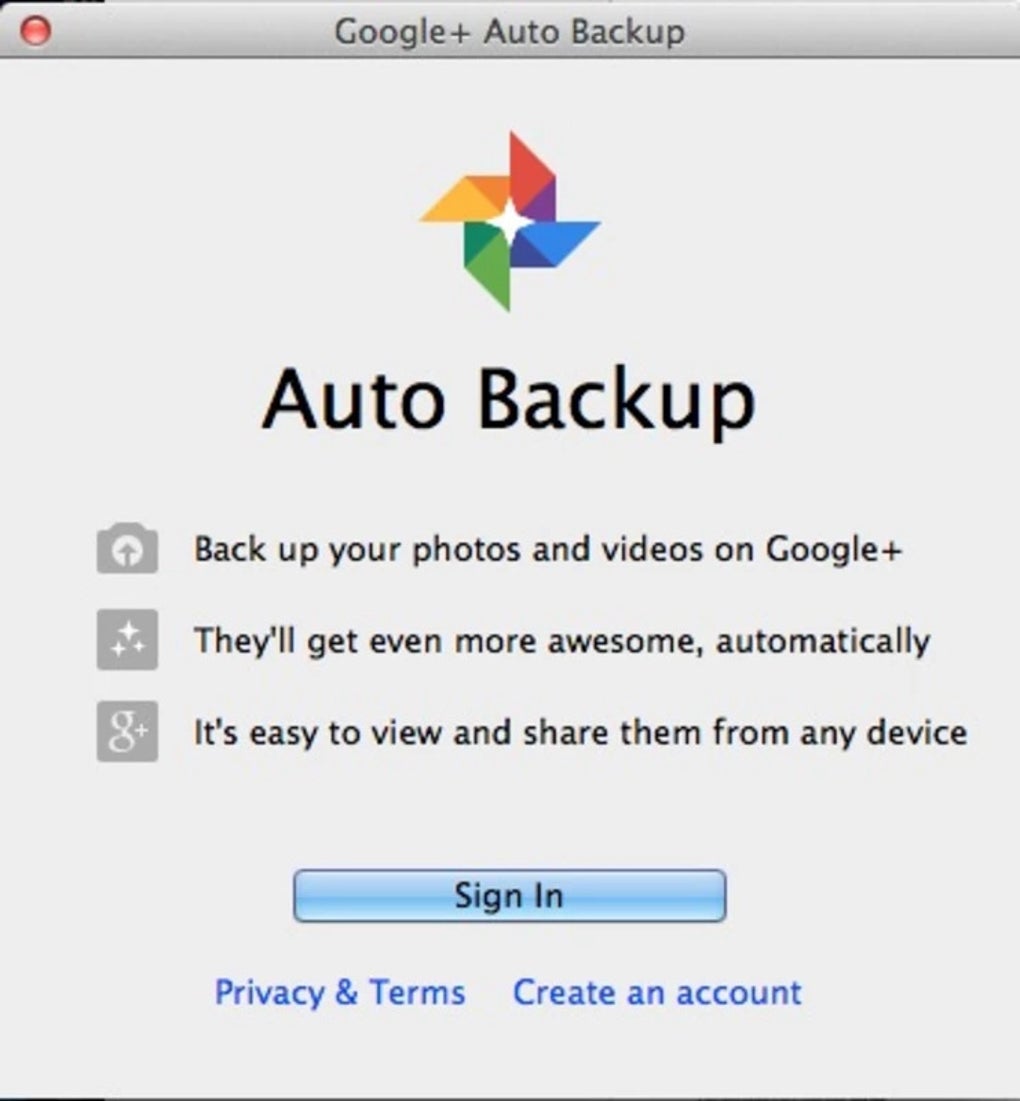
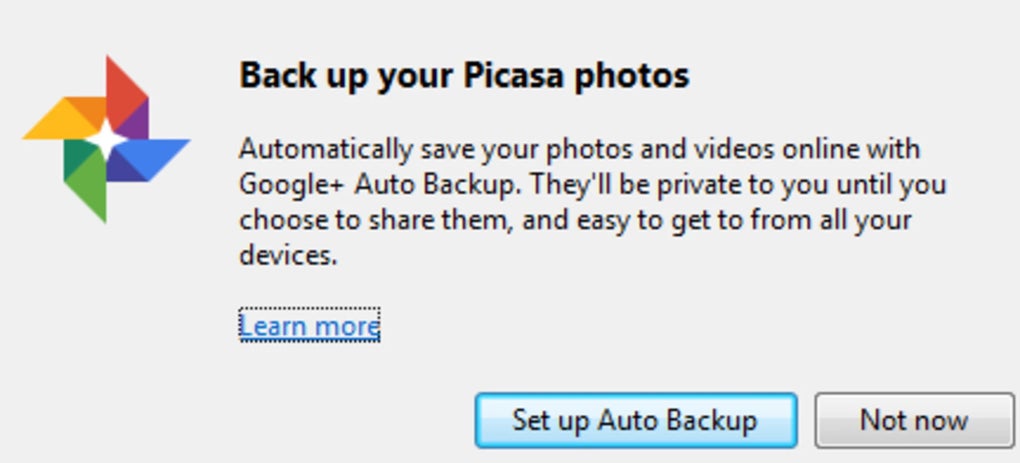
Google Auto Backup Installer is a lightweight, free utility designed to automate the backup of your Google+ (now Google Photos) albums and Picasa collections. In an age where digital memories are scattered across devices, cloud services, and legacy folders, this tool offers a single‑click solution to consolidate and protect your photos. After a quick installation, the program prompts you to sign in with your Google account, after which it scans your Picasa library, identifies albums, and creates duplicate copies in a location of your choosing—whether that’s a local hard drive, an external SSD, or another cloud folder. The software also includes a mobile‑friendly mode, allowing you to start a backup from an Android or iOS device, which then runs on the desktop client. Its interface is intentionally minimalistic: a clean dashboard, a “Start Backup” button, and progress indicators that keep you informed without overwhelming you with technical jargon. For users who value data integrity, Google Auto Backup Installer eliminates the manual steps of downloading each album individually, ensuring that no cherished memory is left behind. Security is baked in; the application uses OAuth 2.0 for authentication, meaning your credentials are never stored locally. Updates are delivered automatically, guaranteeing compatibility with the latest Google APIs and operating system patches. In short, this installer turns a potentially time‑consuming chore into a seamless, secure, and repeatable process.
Key Features
- One‑Click Backup: Initiate a full or selective backup of all Picasa albums with a single button.
- Cross‑Platform Compatibility: Works on Windows 10/11, macOS 10.14+, and offers a companion mobile starter for Android and iOS.
- Custom Destination Paths: Choose any folder, external drive, or secondary cloud location for your backup files.
- Incremental Updates: After the first full backup, the program only copies new or changed photos, saving time and storage.
- Secure OAuth Authentication: Uses Google’s OAuth 2.0 flow, ensuring your login details remain private.
- Automatic Updates: The installer checks for the latest version on launch and applies patches without user intervention.
- Detailed Logging: Generates a log file that records each backup session, useful for troubleshooting.
- Low Resource Footprint: Runs in the background with minimal CPU and memory usage, leaving your computer free for other tasks.
- Multi‑Language Support: Interface available in English, Spanish, French, German, and Japanese.
- Mobile Trigger: Start a backup from a smartphone app; the desktop client picks up the request automatically.
Installation & Usage Instructions
Installing Google Auto Backup Installer is straightforward. Follow these steps to get up and running in under five minutes:
- Download the Installer: Click the “Download” button on the official website. The file is a small
.exefor Windows or a.dmgfor macOS. - Run the Setup: Double‑click the installer and follow the on‑screen prompts. The wizard asks for the installation folder (default is
C:\Program Files\GoogleAutoBackupon Windows). - Accept Permissions: The installer requests access to your Google account via OAuth. Click “Allow” to grant read‑only access to your photos and albums.
- Choose Backup Destination: After the first launch, you’ll see a dialog where you can select the folder where backups will be stored. You can also set up multiple destinations for redundancy.
- Start the Backup: Press the “Start Backup” button. The program scans your Picasa library, lists albums, and begins copying files. Progress bars display the current file and overall percentage.
- Monitor & Verify: Once the backup completes, a summary window shows the number of files copied, skipped, and any errors encountered. The log file (
backup_log.txt) is saved in the installation directory. - Schedule Future Backups (Optional): Use the built‑in scheduler to run incremental backups daily, weekly, or monthly.
Compatibility Windows 10, Windows 11, macOS 10.14 (Mojave) and later, Android 7.0+, iOS 12+. The desktop client runs on both 32‑bit and 64‑bit Windows, while macOS users get a native .app bundle. Mobile triggers are handled through a lightweight companion app available in the Google Play Store and Apple App Store.
Pros, Cons & Frequently Asked Questions
Pros
- Free to use with no hidden fees.
- Secure OAuth login protects your credentials.
- One‑click operation saves time.
- Low system impact makes it suitable for older PCs.
- Incremental backups prevent duplicate storage.
Cons
- No built‑in image editing or deduplication tools.
- Requires an active internet connection for initial authentication.
- Mobile starter app is a separate download.
- Limited to Google Photos/Picasa; does not support other cloud services directly.
Frequently Asked Questions
Is Google Auto Backup Installer really free?
Yes, the software is completely free for personal use. There are no hidden subscription fees or premium tiers.
Can I back up photos from multiple Google accounts?
You can switch accounts by signing out in the app’s settings and signing in with a different Google ID. Each account’s backup destination must be set separately.
What happens if my backup folder runs out of space?
The program will pause the backup and display an error message. You can then free up space or choose a new destination before resuming.
Does the tool encrypt my photos during transfer?
All communication with Google’s servers uses HTTPS, which encrypts data in transit. The backup files are stored locally without additional encryption, so you may want to use disk‑level encryption for extra security.
Can I schedule automatic backups?
Yes, the built‑in scheduler lets you define daily, weekly, or monthly backup intervals. The app runs in the background and initiates incremental backups according to your schedule.
Conclusion & Call to Action
In a world where photos are priceless and data loss can be devastating, Google Auto Backup Installer provides a reliable, free, and secure way to protect your visual memories. Its straightforward interface, robust feature set, and cross‑platform support make it an ideal choice for anyone who wants to safeguard Picasa albums or Google Photos collections without juggling multiple cloud services. While it doesn’t replace a full‑featured photo management suite, it excels at what it promises: effortless, automated backups. If you’re ready to stop worrying about lost albums and start building a resilient backup strategy, click the download button below, install the tool, and let it do the heavy lifting for you.
Download Google Auto Backup Installer now and enjoy peace of mind knowing your photos are safely stored wherever you need them.
Guides & Tutorials
How to install Google Auto Backup Installer
- Click the Download button above.
- Once redirected, accept the terms and click Install.
- Wait for the Google Auto Backup Installer download to finish on your device.
How to use Google Auto Backup Installer
This software is primarily used for its core features described above. Open the app after installation to explore its capabilities.
User Reviews
No reviews yet. Be the first to share your experience.
You may also like
more
Llama 2
Free-to-use large language model As the new addition to Meta’s arsenal of langua...

NotebookLM
Revolutionizing the note-taking and idea-generation process NotebookLM is an exp...

Github co pilot
AI-inspired software development and coding platform GitHub Copilot is a browser...

Google Gemma
Google’s lightweight AI models Introducing Google Gemma , a family of cutting-ed...

AI Image Enlarger
A free app for Windows, by ai-image-larger. AI Image Enlarger is a free software...

DALL E
AI-driven text-to-image transformation engine DALL·E is a free graphic and desig...